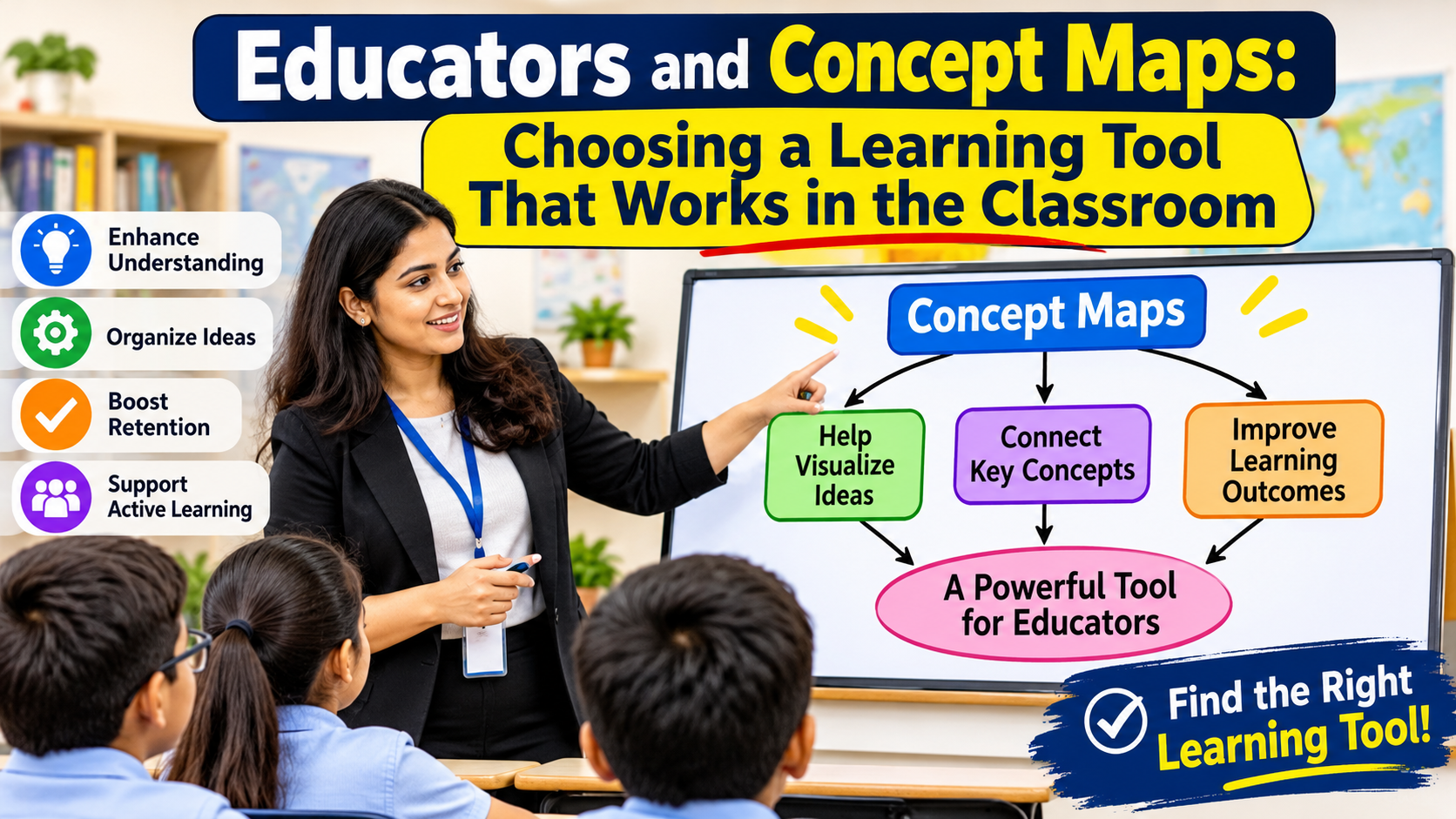
Educators using concept maps as a learning tool ask students to link ideas with labeled lines, which shows how well they understand relationships. Adobe Acrobat’s mind map maker gives educators a draft of a topic: upload a reading or slides as a PDF, DOCX, PPTX, XLSX, or TXT file, and it maps the main ideas, with no sign-up required.
Educators who want students to break a complex subject into manageable pieces can use a concept map as the end goal and other tools to get there: chunking the content, adding graphic organizers, drafting with AI, and then mapping. The sections below follow that order, with free access for educators noted where tools publish it.
Best Online Tools for Chunking Content: What Works in Education?
Choose by content type. Diffit turns a topic into a reading at the grade level you choose, with vocabulary and comprehension questions, and has a free plan. Edpuzzle lets teachers add questions at chosen points in a video, and its free Basic plan stores up to 20 videos. For documents and slides, Adobe Acrobat’s mind map maker turns the file into a map of main topics. The University of Washington Tacoma describes chunking as breaking materials into smaller units to reduce cognitive load, and advises keeping each page of a module to one topic. Chunk first, then map, so each branch of your concept map is already a manageable piece. Check that each chunk still points to the lesson goal.
Education Resources for Teachers: Which Graphic Organizers Fit Concept Maps?
Graphic organizers are the stepping stones to a full concept map. A KWL chart activates prior knowledge, a Venn diagram compares two ideas, and a cause-and-effect organizer shows one relationship at a time. Canva’s graphic organizer templates cover all three, along with mind maps and concept maps, and Canva Education is free for K-12 teachers and students. TCEA’s blog shares 80 free graphic organizer templates made in Canva that you can print as PDFs or download as images. Use organizers early in a unit, when students need structure, and move to a blank concept map once they can link ideas on their own. Print one copy for students without devices and keep a digital copy for sharing.
Educator Tools: Can AI Lesson Planning Support Scaffolding for Complex Concepts?
It can draft, and you decide. Ask an AI tool to list the prerequisite ideas for a concept, order them, and suggest a check question for each. MagicSchool has a free plan with more than 80 tools, and Plus costs $8.33 per month billed annually. Khanmigo is free for U.S. teachers through Khan Academy. Miro’s free plan includes 10 AI credits a month, and MindMeister’s free plan includes AI map creation in beta. Mindomo’s site says its AI builds mind maps, concept maps, and outlines, and its free plan includes one AI credit. Check every AI draft against your sources, and ask your school about student data rules before students use a tool directly.
Educator Tools for Concept Mapping: Which Ones Break Complex Subjects Into Manageable Pieces for Students?
Pick a concept mapping tool by the control it gives you over links. CmapTools is built for concept maps, is free for educational use, lets you attach resources to concepts, supports editing the same map at the same time through shared servers, and has a free Cmap Cloud account and a web version. Miro’s Education plan is free for educators indefinitely, and FigJam is free for verified educators. Coggle’s free plan includes real-time collaboration, and Lucidchart’s free plan includes three editable documents. Adobe Acrobat’s mind map maker makes mind maps rather than labeled concept maps, so use it to draft before students add linking words. Start with one class and one unit before you roll a tool out more widely. The table summarizes each option.
Frequently Asked Questions
Should students draw concept maps from memory?
Yes, once they have studied the material. Redrawing a map from memory is a form of practice testing, which Dunlosky and colleagues rated highly in their review of study techniques. Leave the map blank except for the focus question. Have students compare the new map with the original, mark what they missed, and repeat on a different day.
How do I assess a concept map?
Use IHMC’s features as a rubric. Check that the map answers a focus question, that linking words turn each pair of concepts into a statement, that it moves from general to specific, and that it includes cross-links between branches. Ask students to explain their two best links aloud. Share the rubric with students before they begin.
Are these tools free for educators?
Mostly. Adobe Acrobat’s mind map maker needs no sign-up, CmapTools is free for educational use, Canva Education is free for K-12, Miro’s Education plan is free for educators, and FigJam is free for verified educators. MagicSchool and Diffit have free plans, and Khanmigo is free for U.S. teachers. Confirm limits and student data rules with your school.